
Get a reminder to log your cases
Open Settings → App & workflow → Appearance & units → Reminders and turn on the “Remind me to log cases” switch. Choose daily or weekly, pick the day for a weekly reminder, and set the time. The reminder is off until you turn it on, and the starting time is 6 PM.
By Christopher Cutler, MD, CA-1, anesthesiology
The cases you lose are the ones from the day you meant to log tonight. One reminder at the end of a shift is usually enough.
- 1
Open Settings → App & workflow → Appearance & units → Reminders
Turn on “Remind me to log cases.” The phone asks once for permission to send notifications.
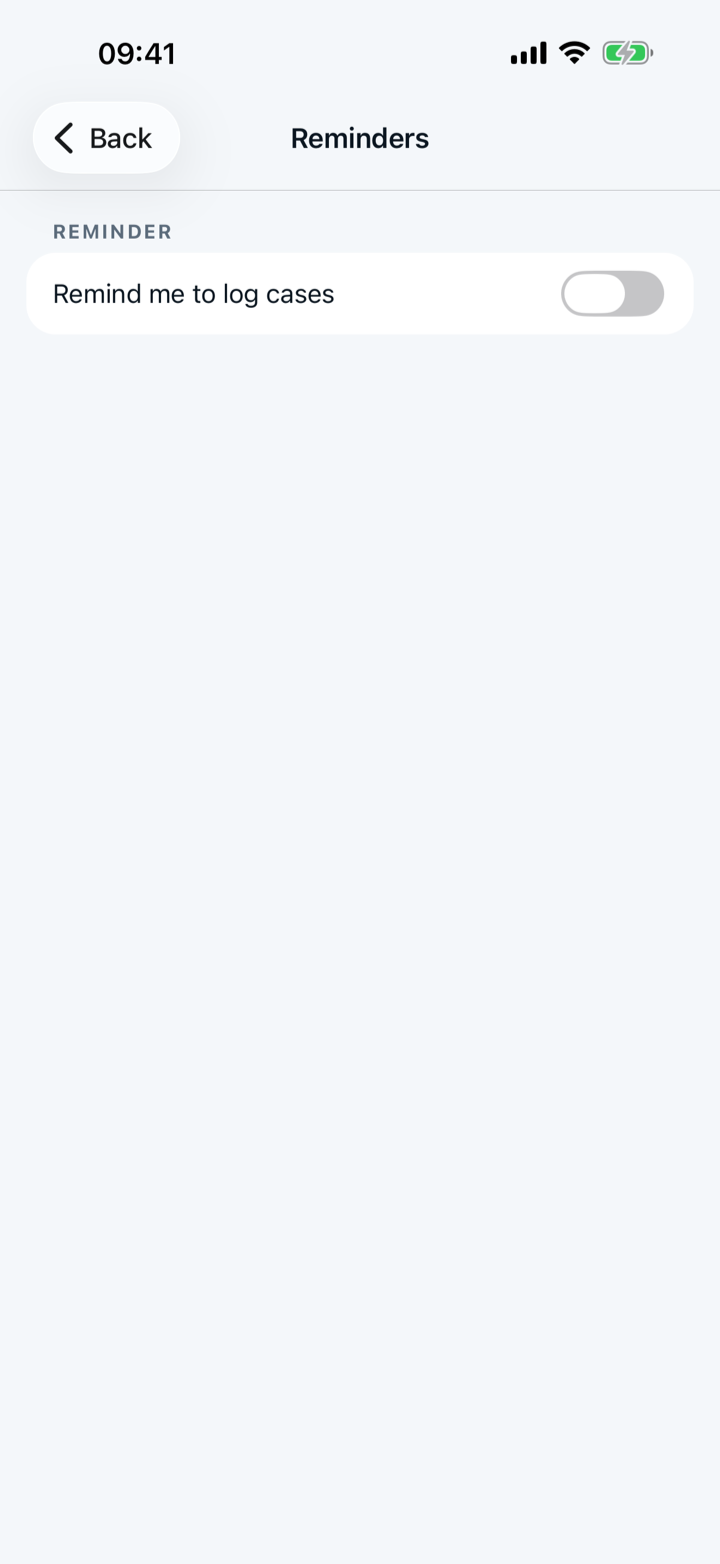
- 2
Choose every day or once a week
“Every day” suits a busy OR month. “Weekly” adds a row of days, and the app starts on Monday.
- 3
Set the time under “Remind me at”
The app starts at 6 PM. Pick the time your shift usually ends, not the time you wish it ended.
- 4
Say yes or no to the one-time offer
After your first saved case, the Log tab asks “Want a nudge at the end of a shift?” “Turn on” opens the Reminders screen. “No thanks” closes the offer, and Capnolog never asks again.
- 5
If no reminder arrives
The Reminders screen shows “Notifications are off for Capnolog” when the phone is blocking them. Tap “Open Settings” on that row and allow notifications.

The reminder is a single notification. The reminder arrives at the time you picked whether or not a case is waiting.
More in day to day
Tap the answers or use a template, and never lose a case.
Set up tomorrow's OR board the night before — then log each case in one tap.
Share a case template or an attending note with your program, and use the ones your co-residents shared.
Hand off an anesthetic plan to a co-resident, or plan the case together with a senior on two phones.